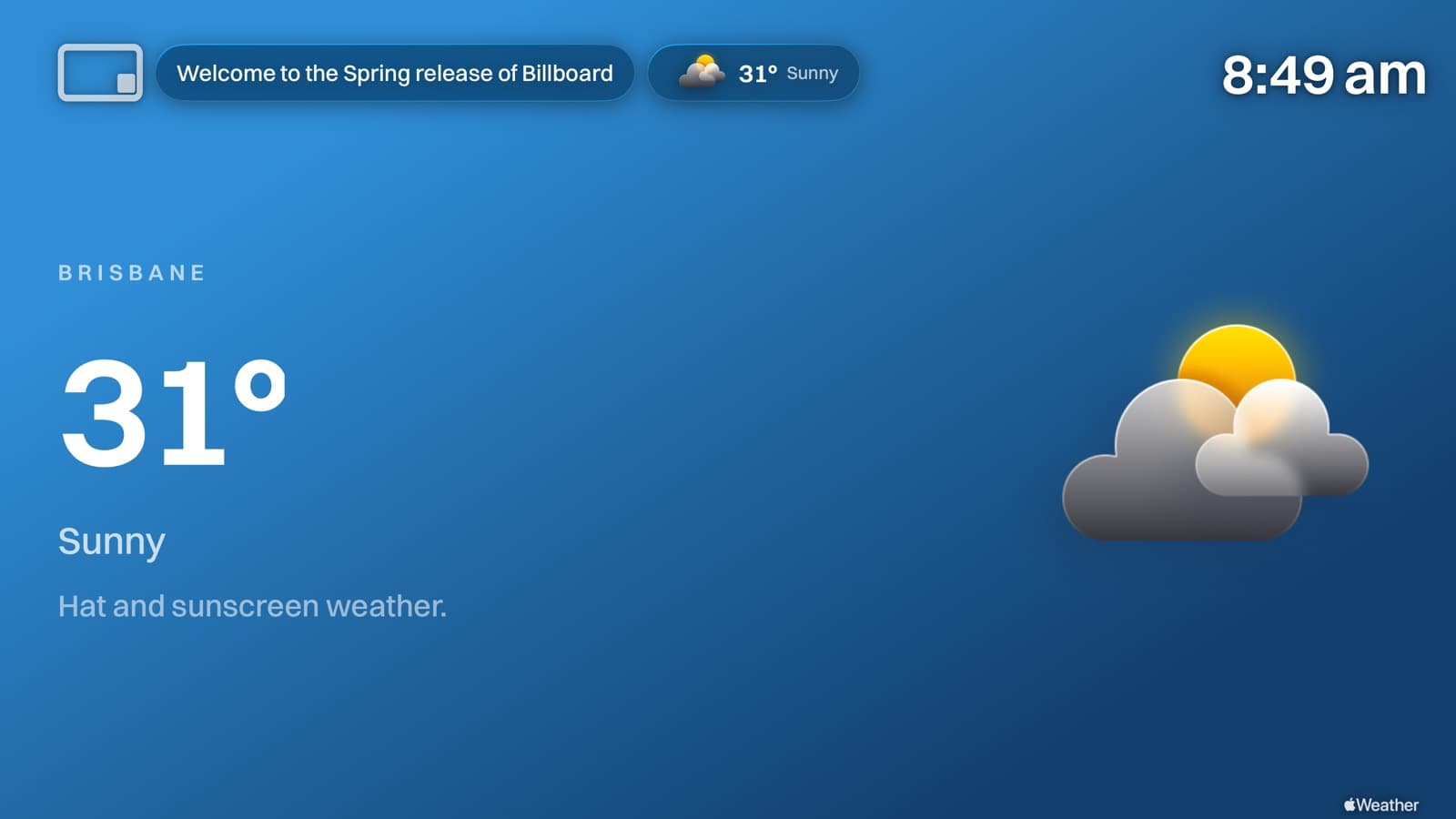
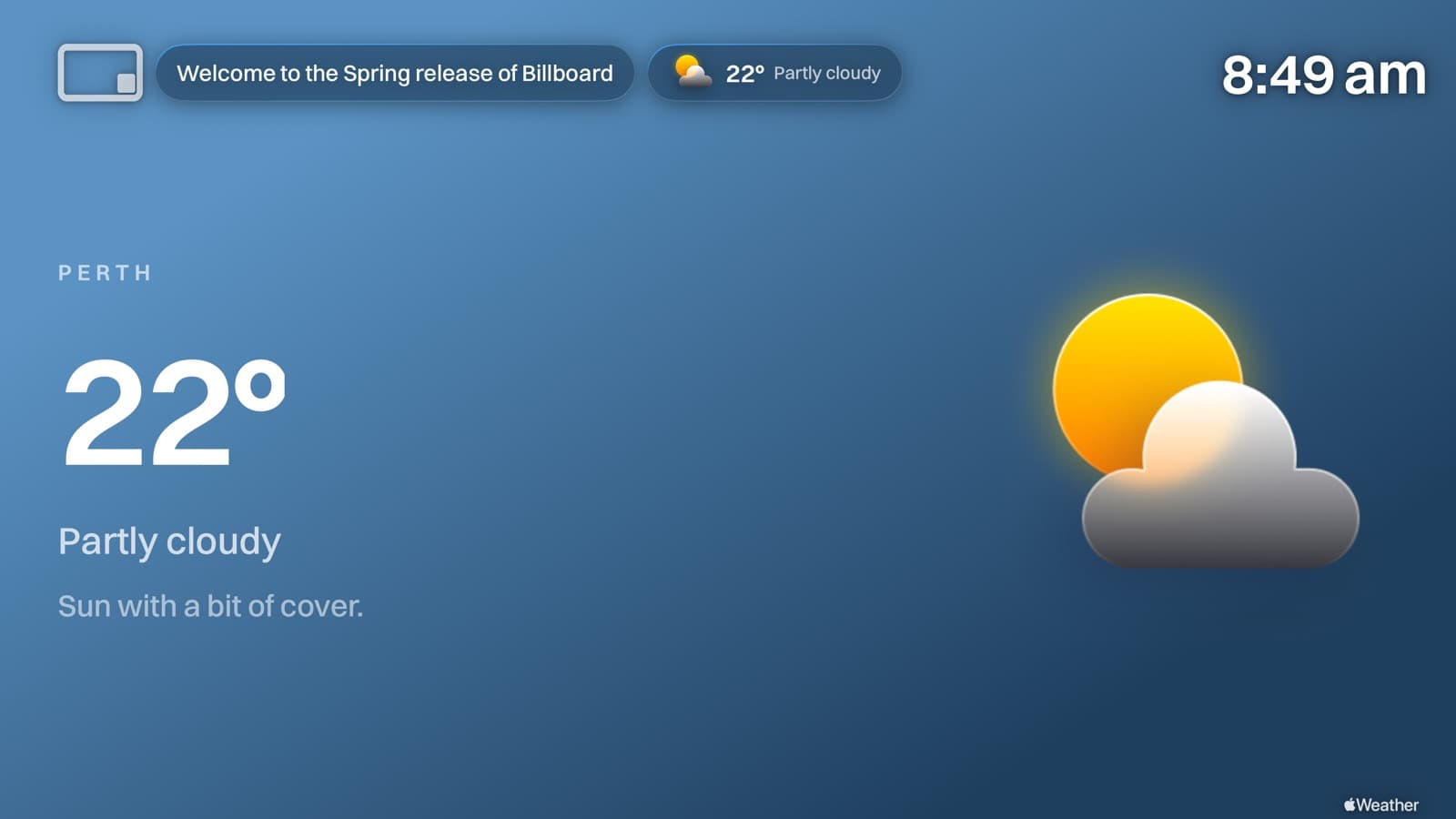
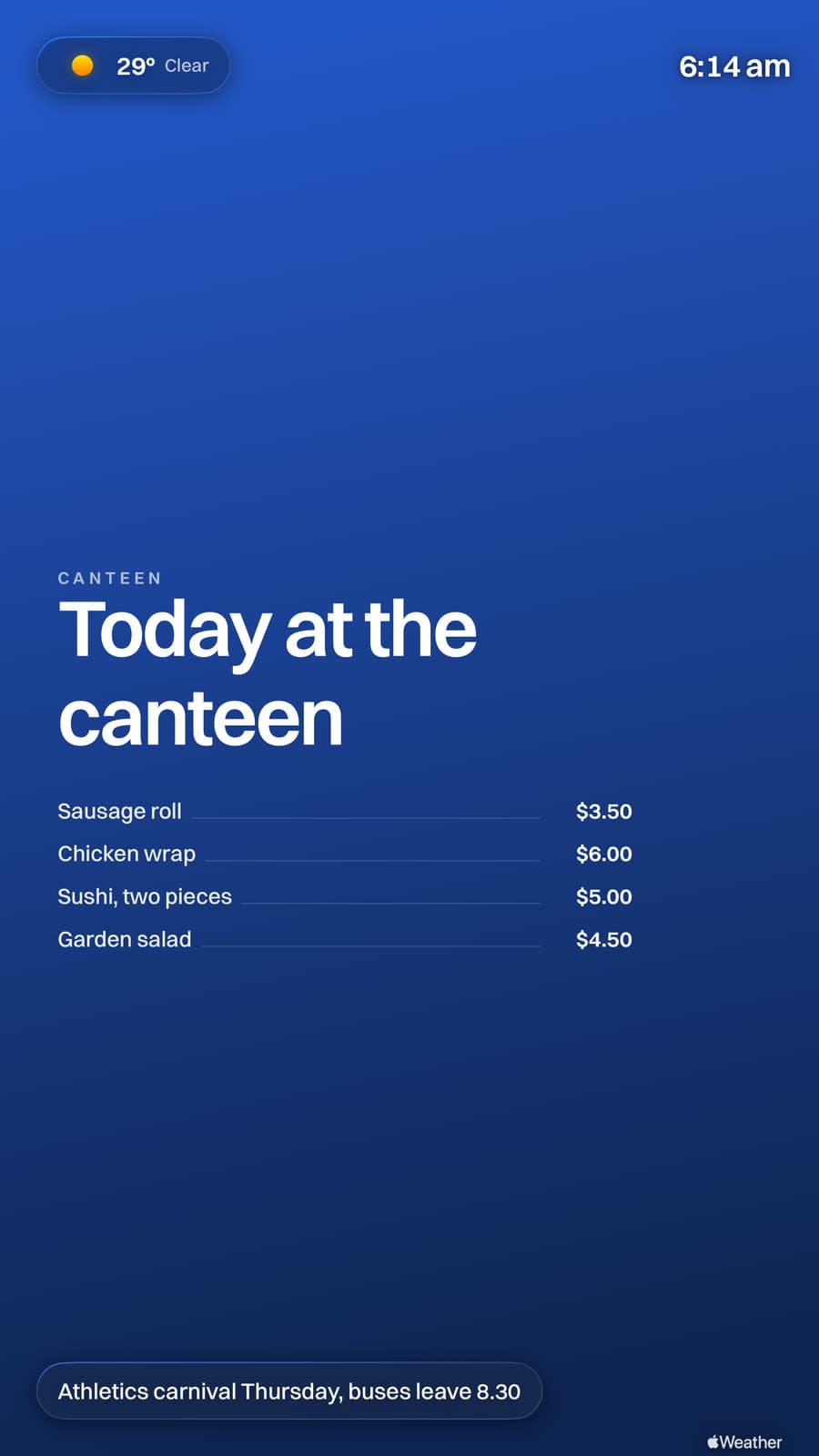
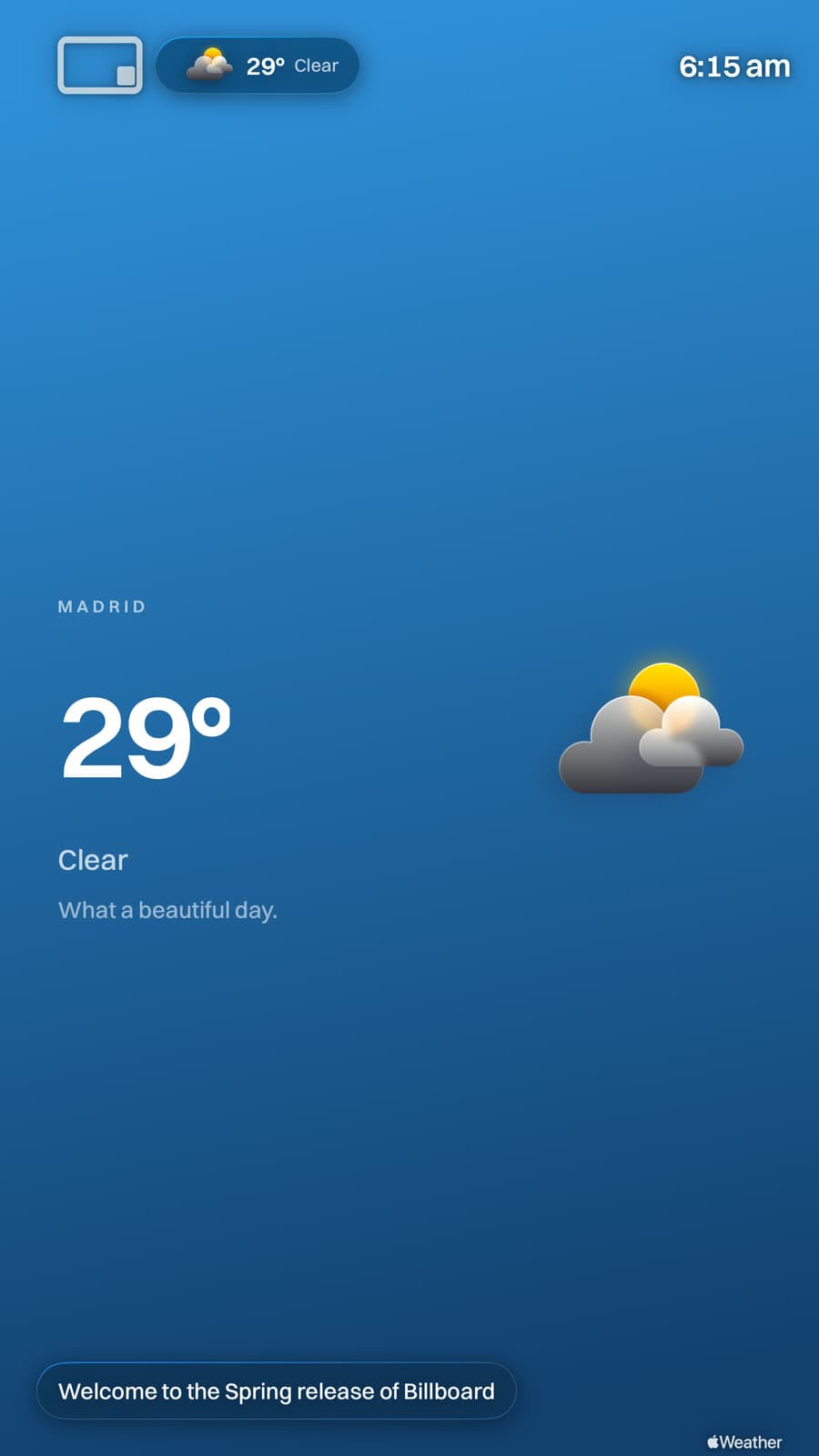
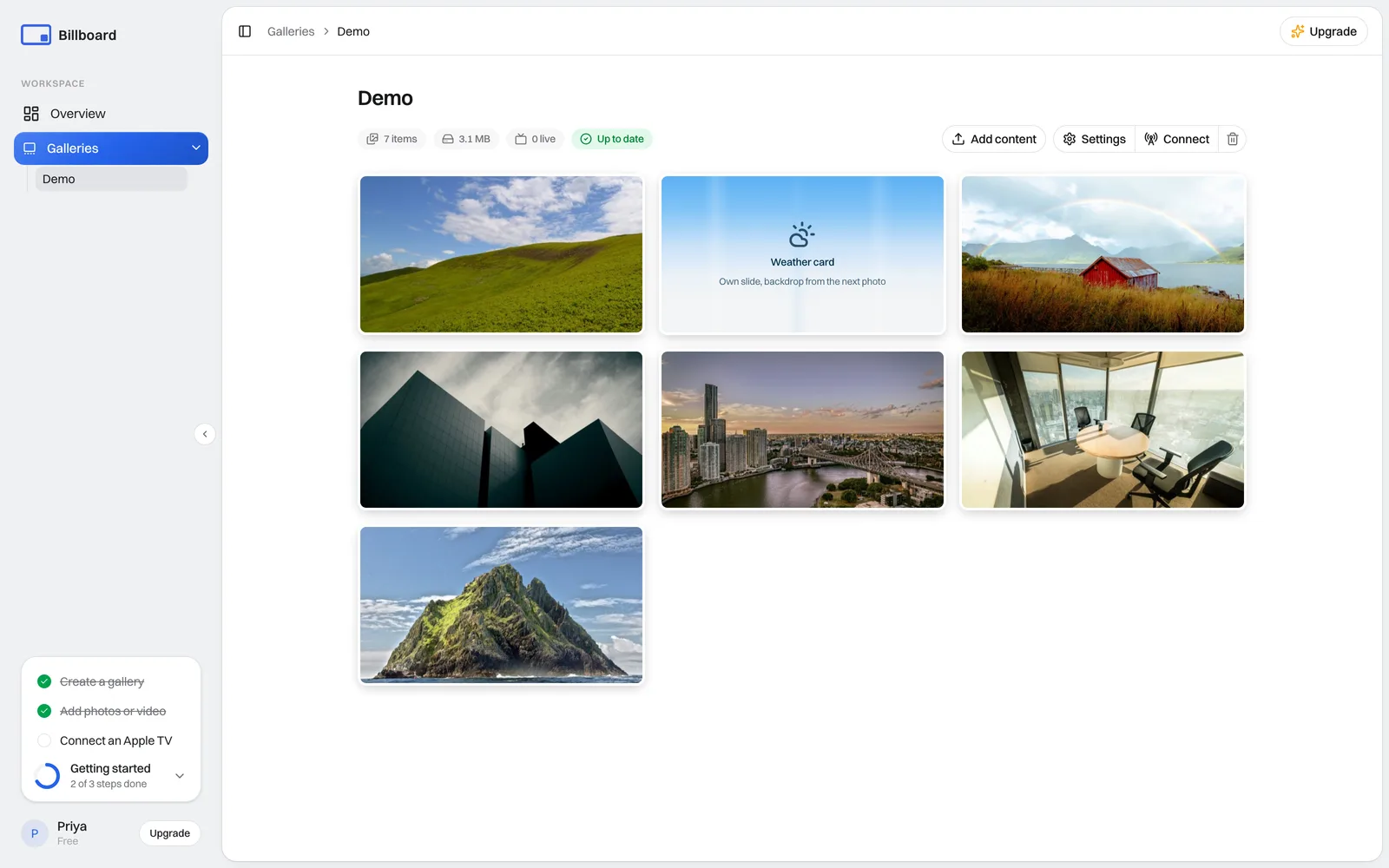
A customisable alternative to Apple TV's Conference Room Display, plus a dashboard to run every screen you own from one place.
On your screens
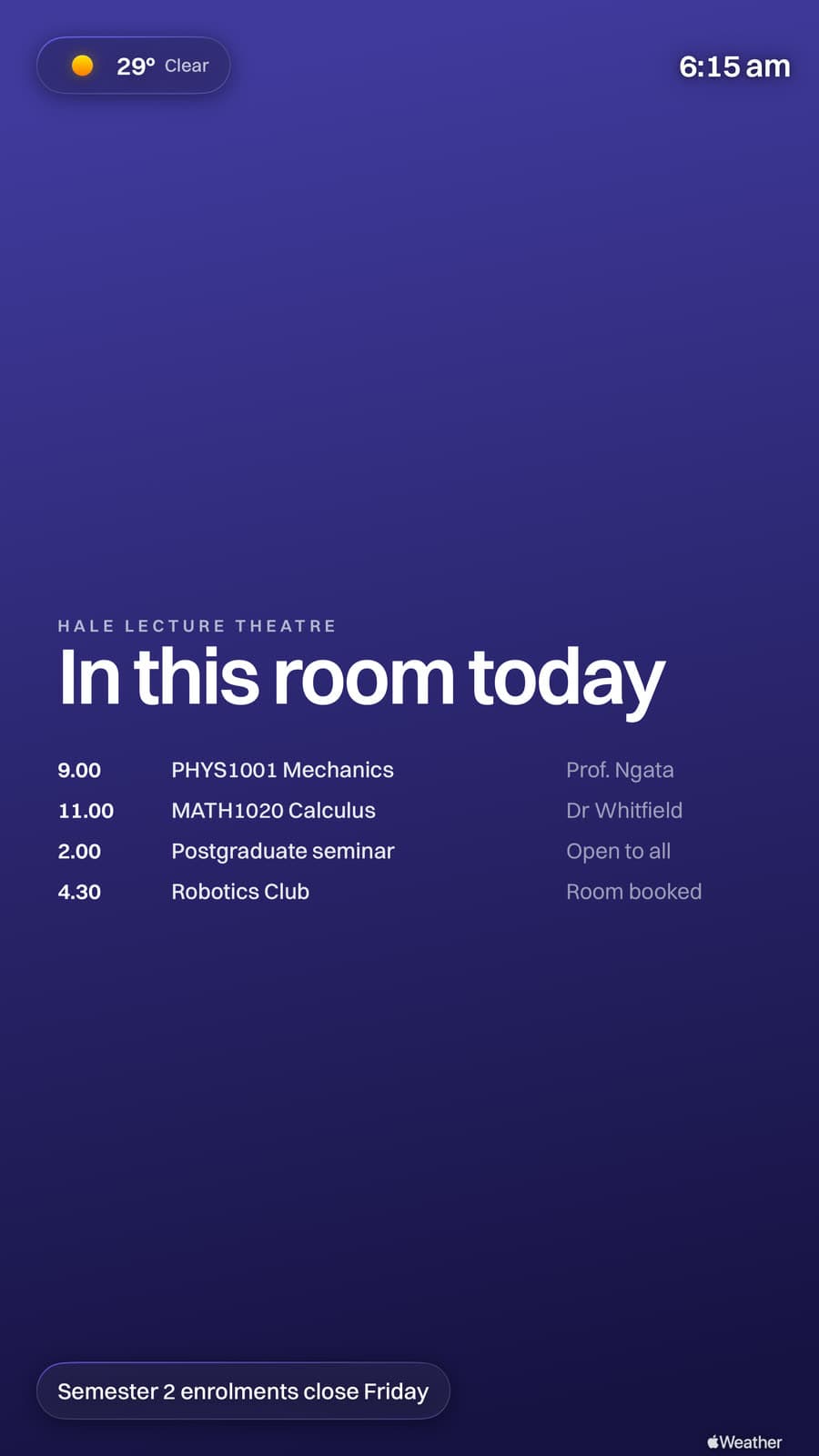
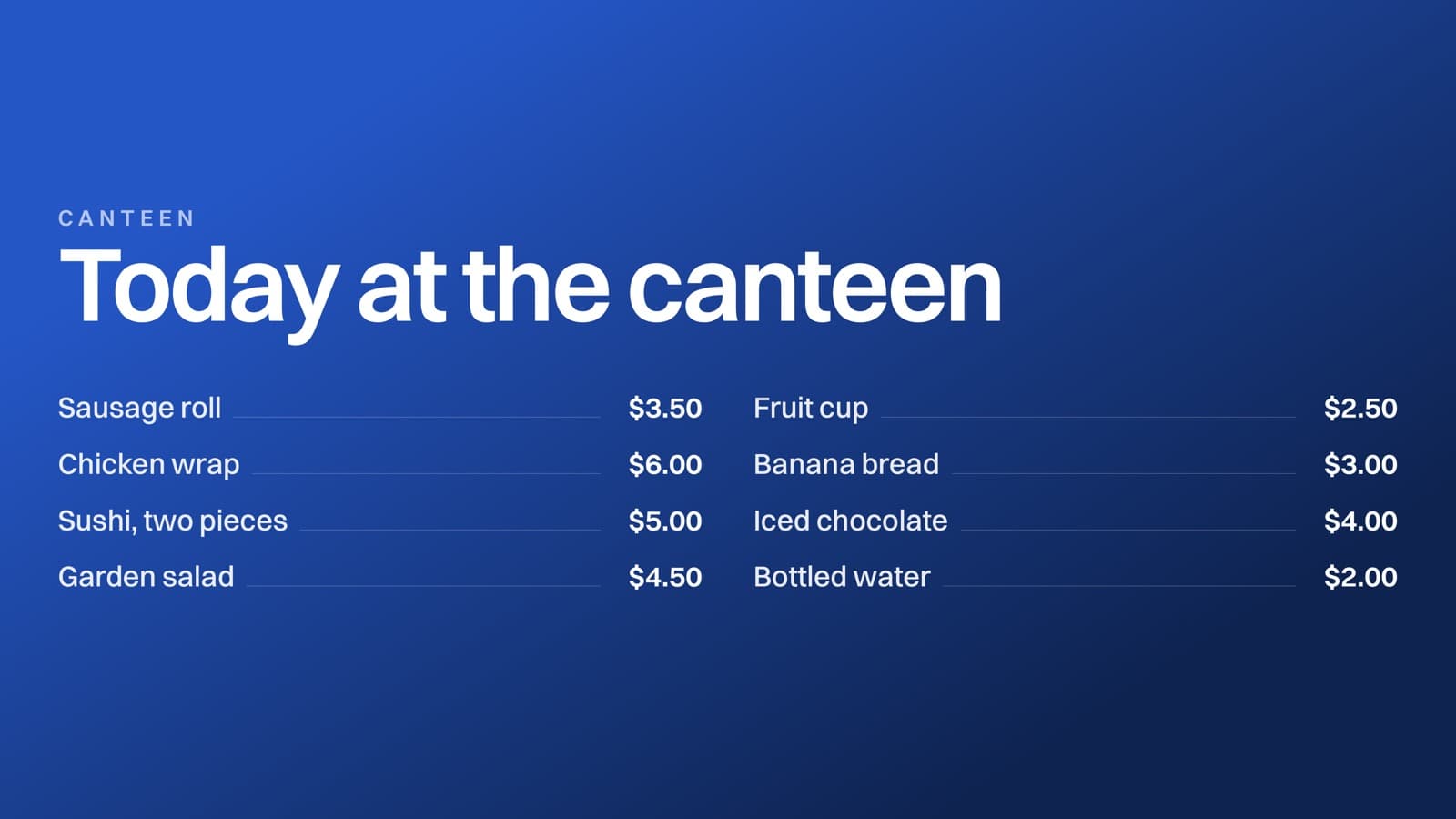
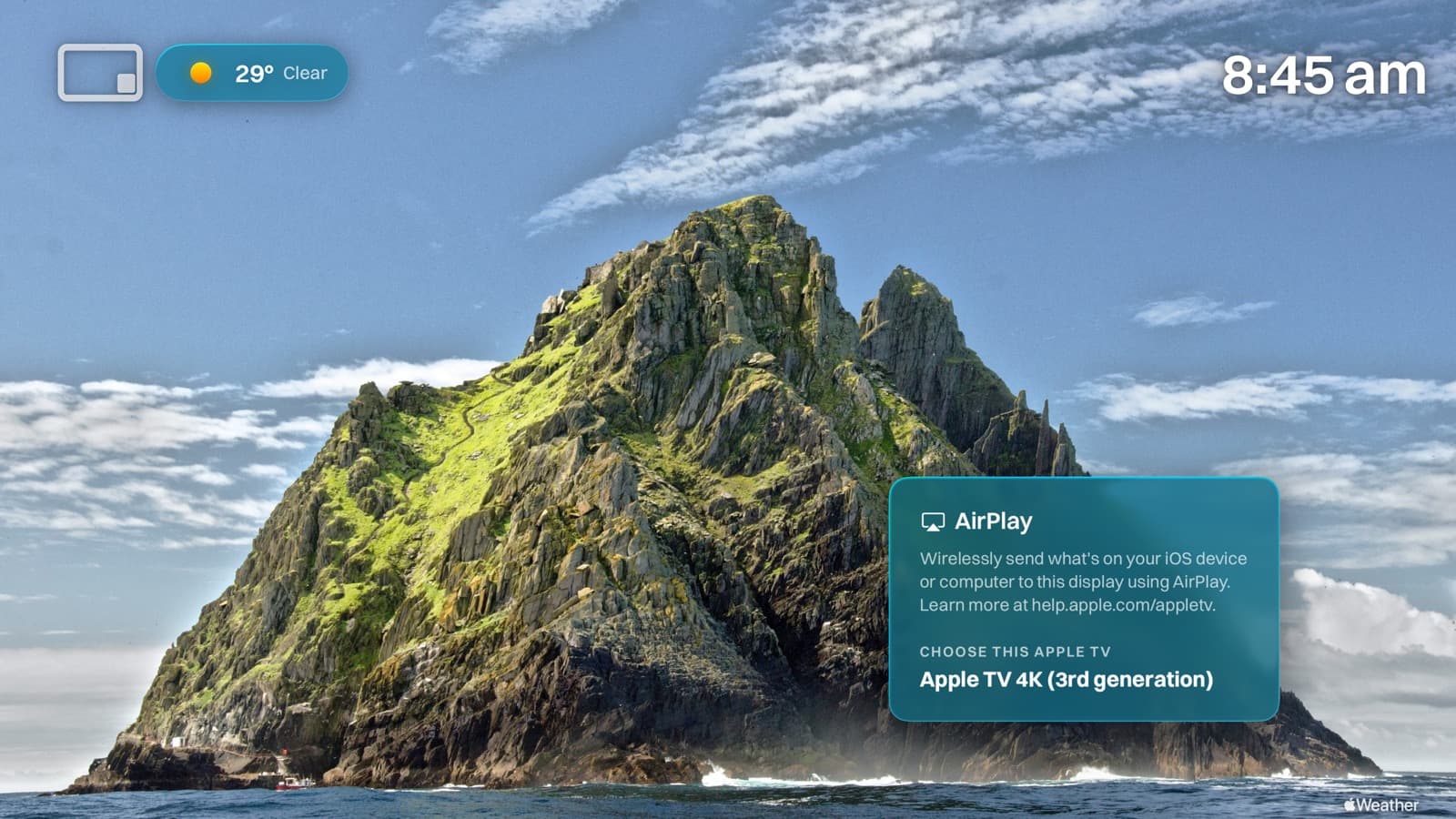
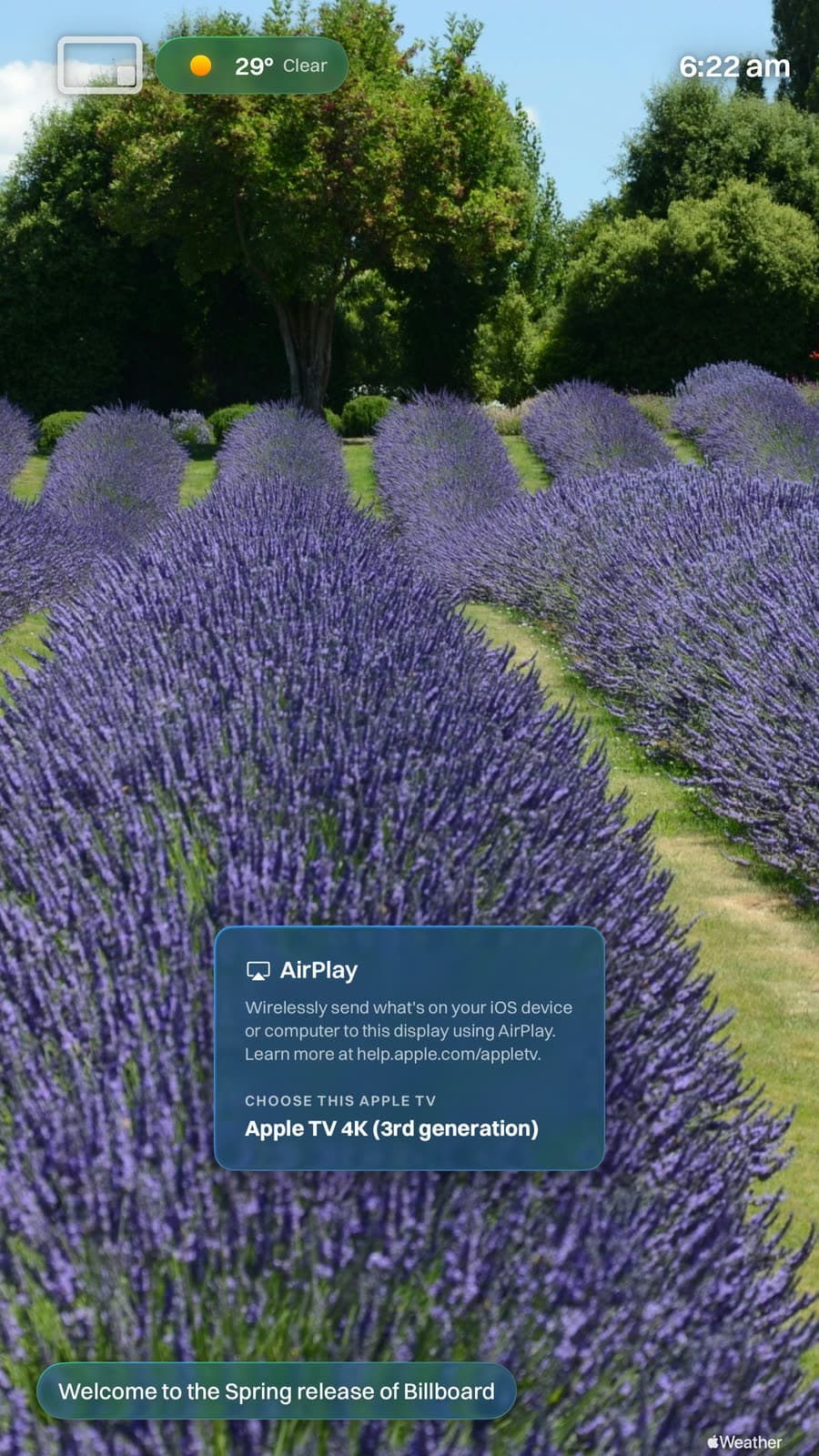
Apple's Conference Mode leaves a generic, empty screen. Billboard fills it with your own images and video, and AirPlay still works exactly as before, so lessons never skip a beat.

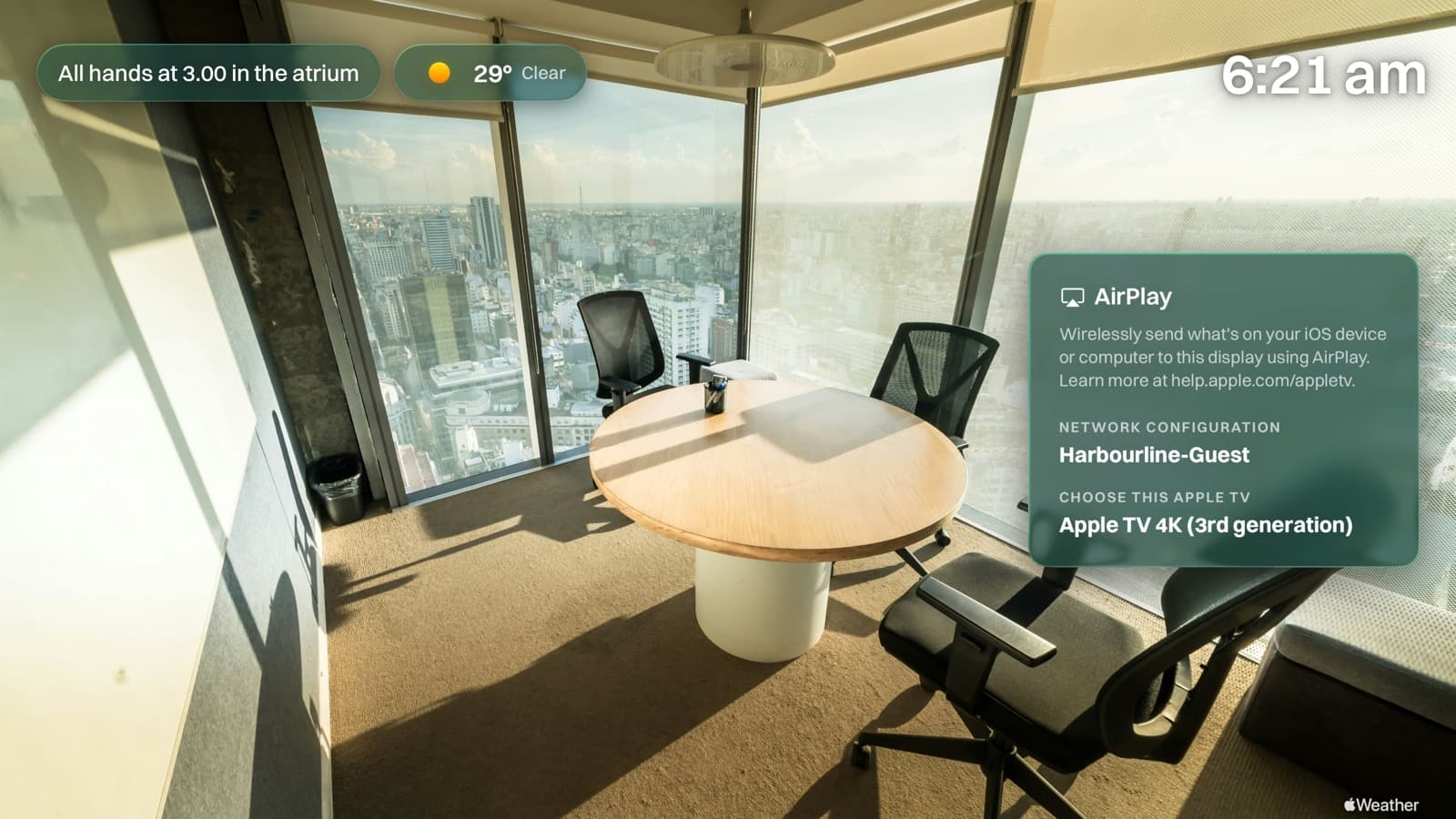
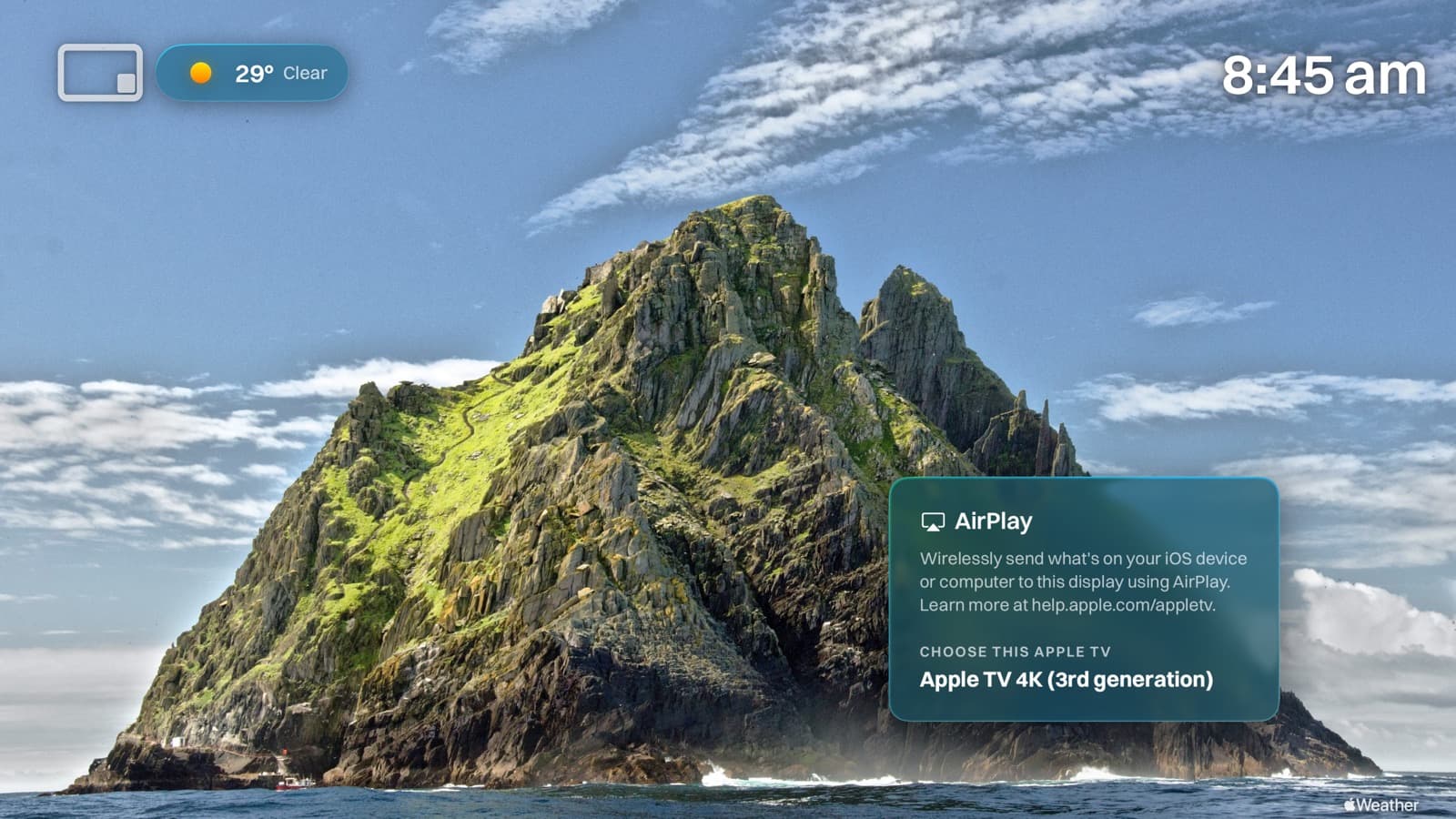
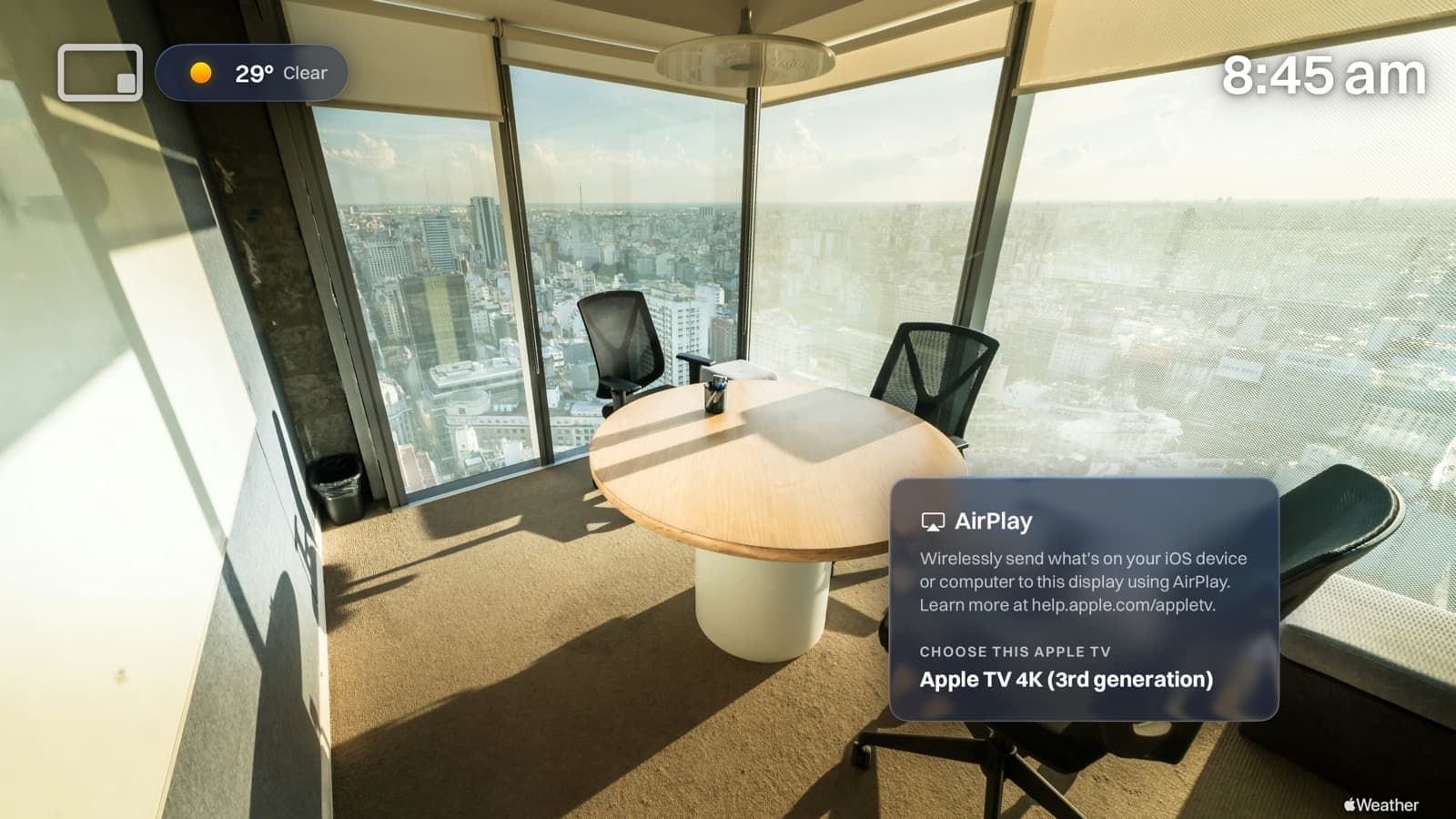
An AirPlay card that looks just like Apple's shows exactly how to connect. The network to join, then your Apple TV's name, so anyone can cast in seconds. It drifts gently around the screen so nothing ghosts.

Type a short gallery code on the TV and you're live. No pairing, no cables. Rolling out a fleet? Push the same code to every Apple TV with your MDM.

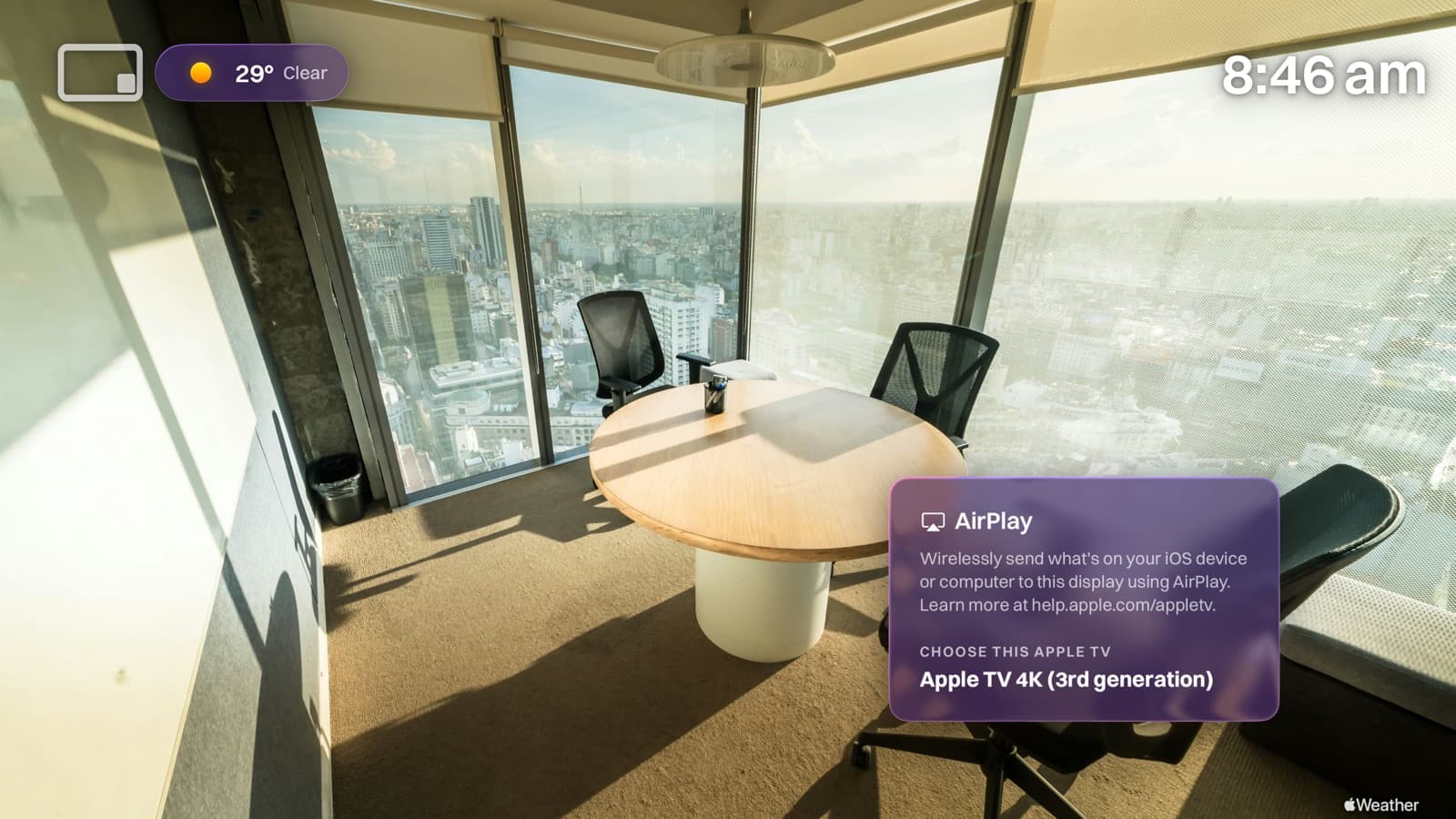
Tint the panel with your brand colour and choose how much it shows, from Frosted to Medium to clear Glass. Add an on-screen clock that reads the Apple TV's own time. Every screen, unmistakably yours.

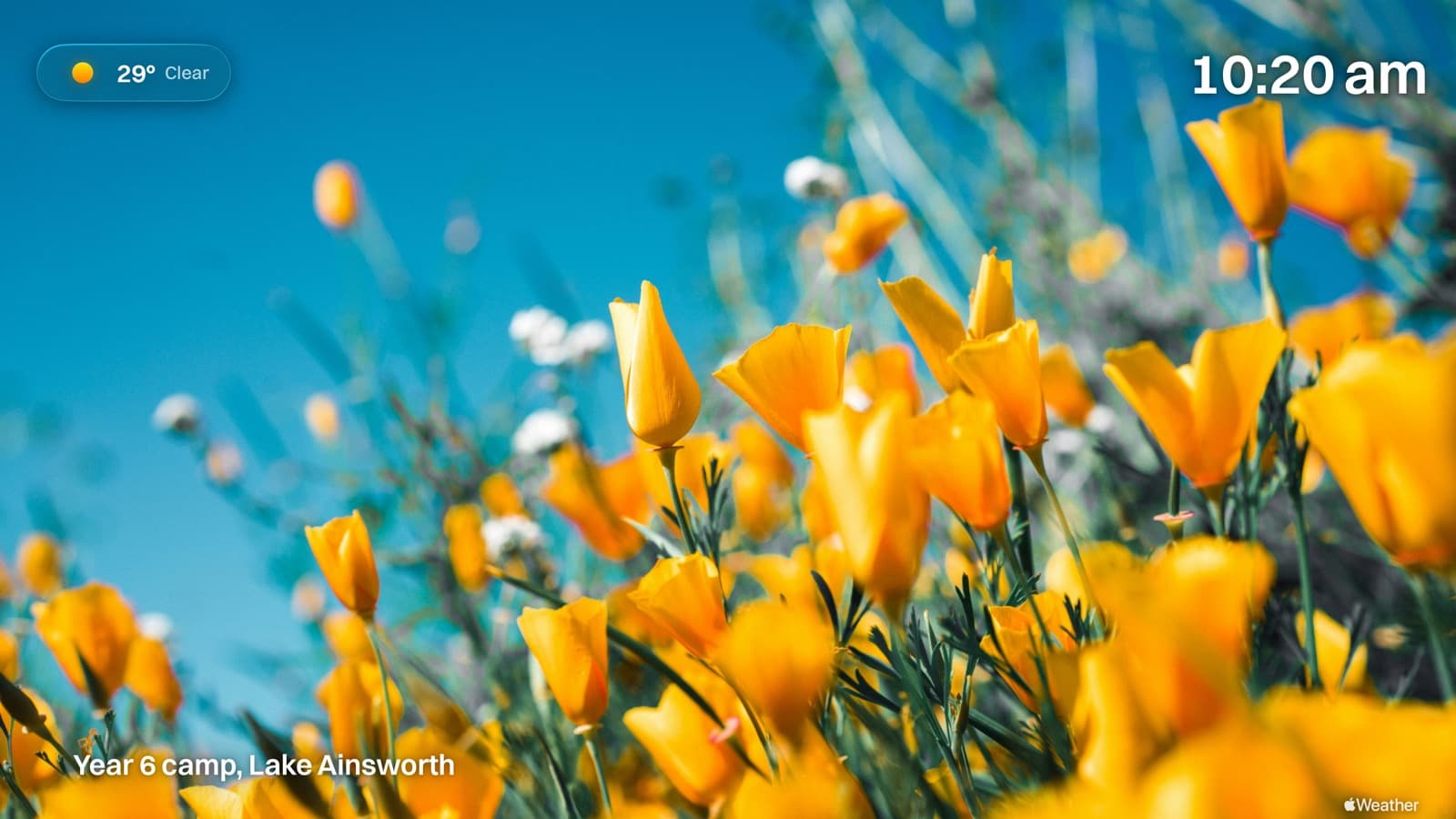
Fullscreen slideshows with smooth crossfades. Mix photos and video clips freely.
The panel matches your Apple TV's appearance automatically.
Guards against accidental exit, hides settings, stays awake, and resumes on its own.
The AirPlay panel drifts around the screen, so no image ever burns in.
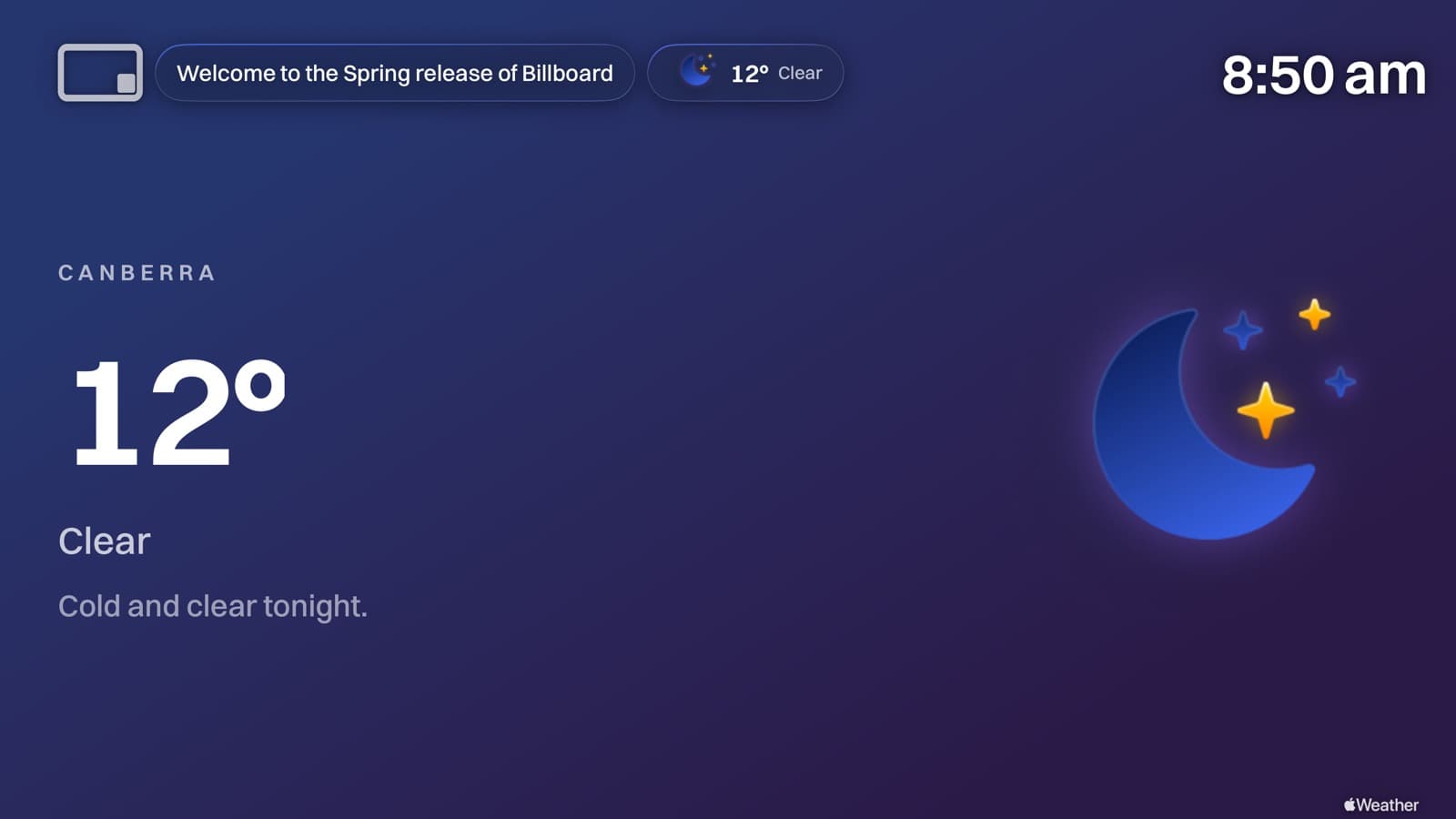
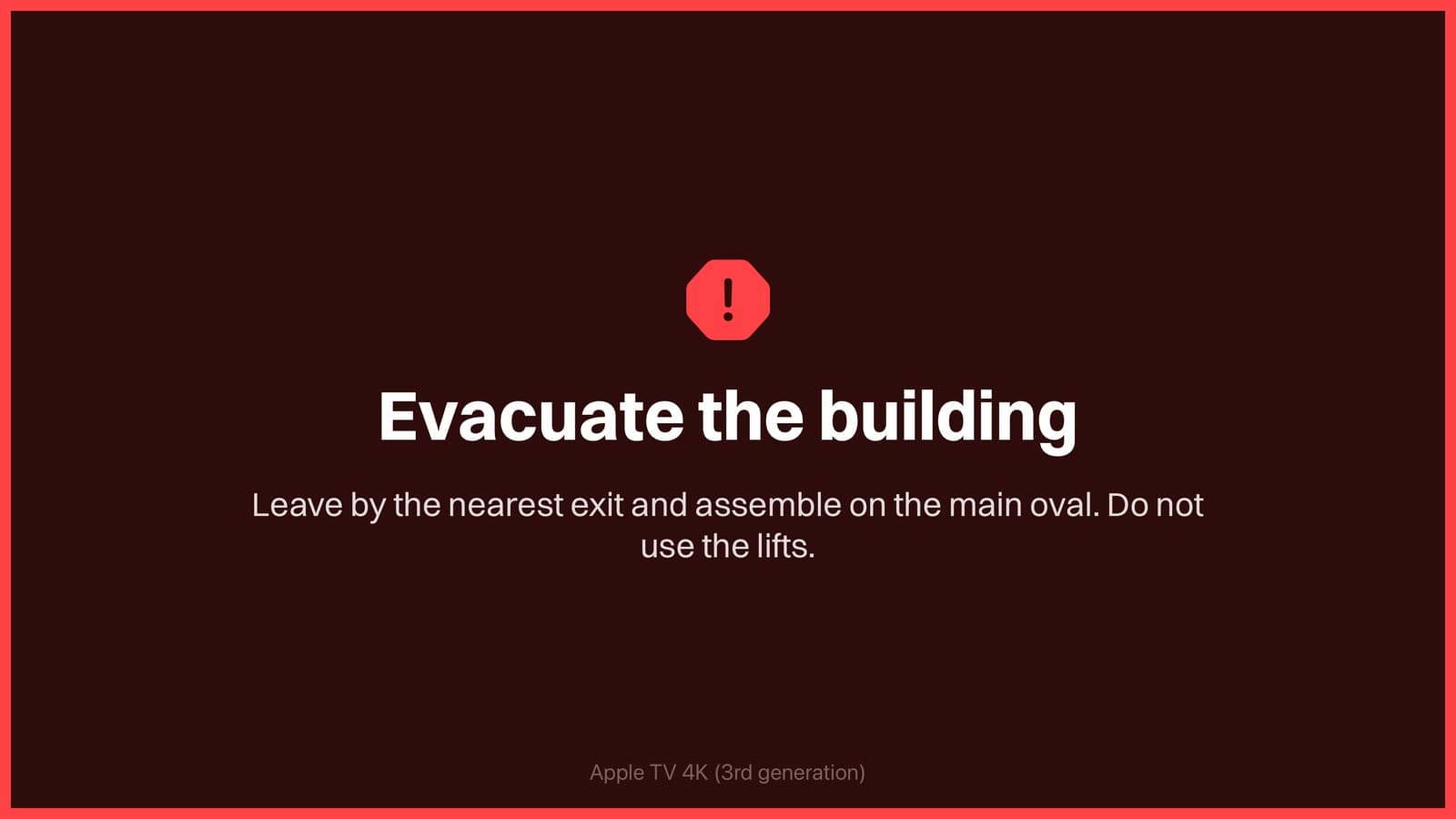
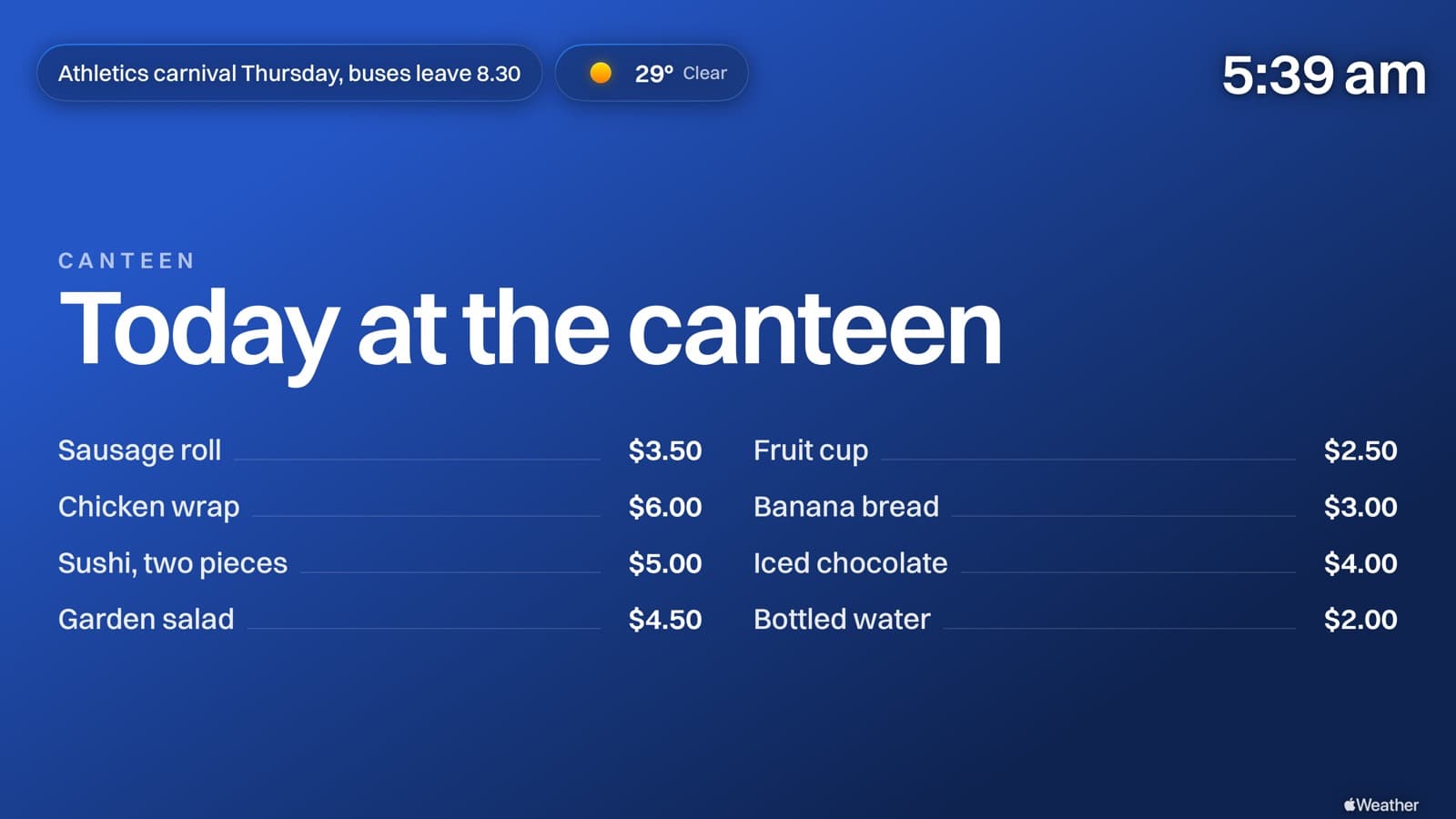
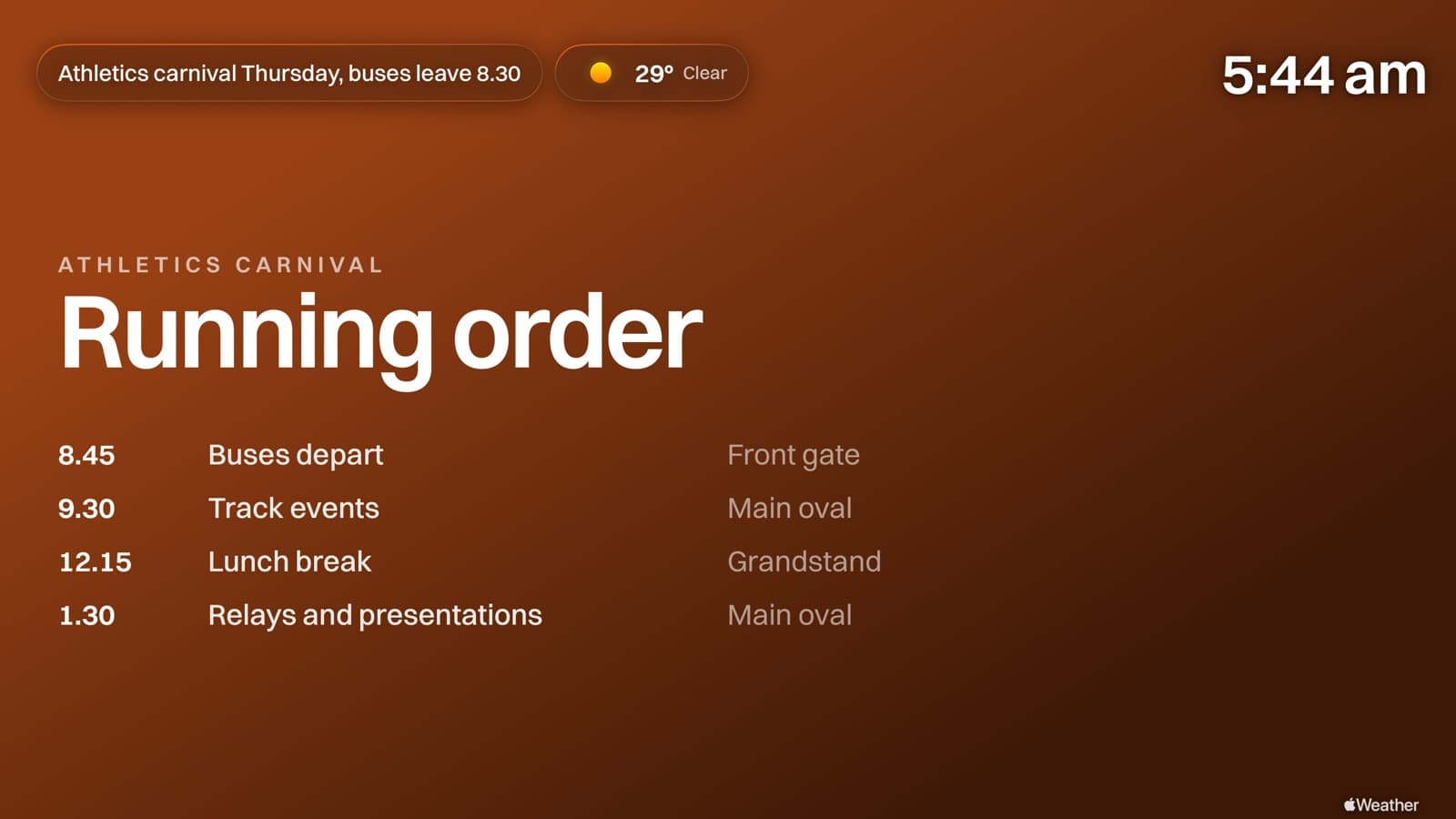
Broadcast a message across the top of every screen at once. Open evenings, closures, reminders. Toggle it on and off in a click.
Show the time in the corner, read from each Apple TV's own clock. Always right, never drifting.
In your dashboard
A gallery per space, whether that's the lobby, the library or each classroom, every one with its own code.
Drop in images and video and they're resized and compressed for crisp, lightweight playback, with a warning if anything comes in below Full HD.
Set how long each item shows, plus start and end windows for notices that should only run for a while.
See how many screens are live right now, and each gallery's total size at a glance.
Change content here and screens refresh on your schedule, anywhere from every 3 minutes to weekly, with a countdown so you know exactly when.
Tune the AirPlay panel's text, network name, movement and visibility per gallery.
Built for IT & scale
Deploy across hundreds of Apple TVs with Jamf, Mosyle or Intune via managed app config.
Works on any Apple TV you already own. Nothing to buy, nothing to wire in.
Each gallery has its own unguessable code, so you share it only with the screens that need it.
Everyone keeps casting to the screen exactly like Conference Mode.
Free to start, and your first gallery is running in minutes.
Get started free